
Introduction
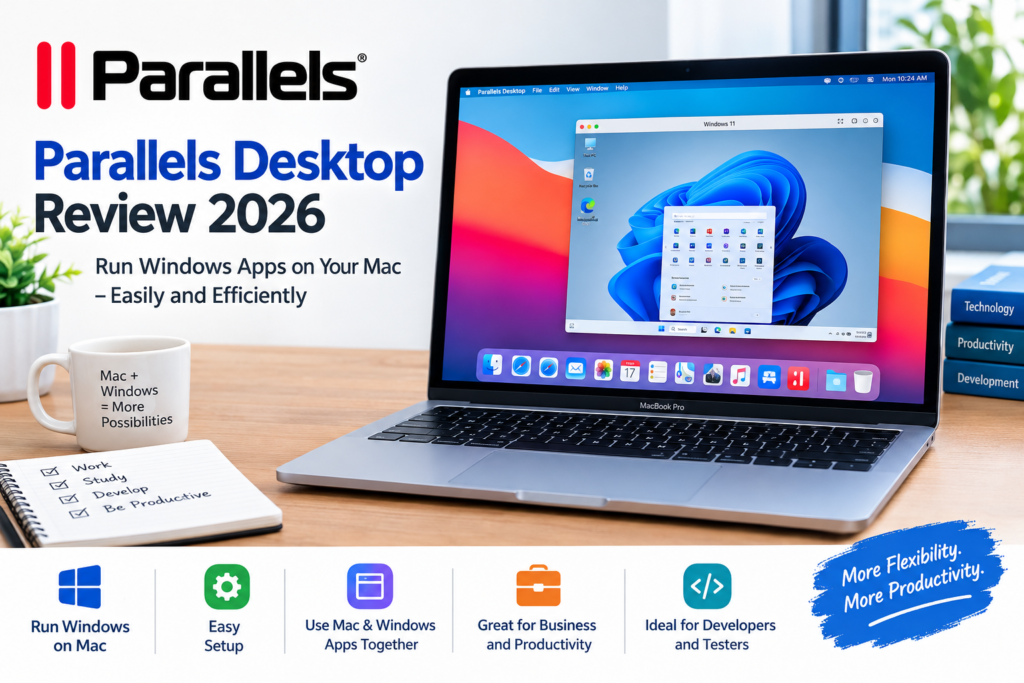
If you want to run Windows applications on a Mac, Parallels Desktop is a software solution worth considering. It allows Mac users to run Windows alongside macOS without needing a separate Windows computer. This can be useful for students, business owners, developers, and digital marketers who need access to Windows-only programs.
In this Parallels review, we will explain what Parallels Desktop is, how it works, its main features, benefits, and potential drawbacks.
What Is Parallels Desktop?
Parallels Desktop is virtualization software that allows users to run another operating system, such as Windows, on a Mac. Instead of replacing macOS, it creates a virtual environment where Windows and compatible applications can operate.
This means you can use Windows software while continuing to work with your regular Mac applications. For example, you can open a Windows business application, use Microsoft Office, or test software without constantly switching between computers.
Learn more on the official website: https://www.parallels.com/
Key Features of Parallels Desktop
1. Run Windows on a Mac
One of the biggest advantages of Parallels Desktop is that it allows users to run Windows on compatible Macs. This is especially useful when a job, school course, or business requires Windows-specific software.
2. Easy Setup
Parallels Desktop is designed to make virtualization accessible to everyday users. Its setup process helps users install and configure a supported Windows environment without needing advanced technical knowledge.
3. Use Mac and Windows Applications Together
You can work with Mac and Windows applications on the same computer. Depending on your configuration, you can also use integration features that make switching between the two environments more convenient.
4. Useful for Business and Productivity
Business owners and professionals can use Parallels Desktop to access Windows-based business tools, accounting software, and other work applications that may not have a native macOS version.
5. Helpful for Developers and Testers
Developers can use virtual machines to test applications in different operating systems. This can make software testing and development more convenient without requiring multiple physical computers.
Benefits of Using Parallels Desktop
Parallels Desktop offers several benefits for people who need both macOS and Windows.
- Convenience: Use Windows applications without purchasing a second computer.
- Productivity: Switch between Mac and Windows tasks on one device.
- Flexibility: Access supported Windows software for work, study, and business.
- Development: Create virtual environments for software testing.
- Space saving: Keep your computer setup simple by using one Mac for multiple operating systems.
The actual experience depends on your Mac model, available memory, storage, and the applications you want to run.
Are There Any Disadvantages?
Although Parallels Desktop can be useful, there are a few things to consider before buying it.
Cost: Parallels Desktop is commercial software, and the available plans and licensing terms can affect the total cost.
Performance requirements: Running Windows alongside macOS uses system resources. Applications that require significant processing power or memory may need a more capable Mac.
Compatibility: Not every Windows application, game, device, or hardware feature is guaranteed to work perfectly in a virtual machine.
Windows licensing: You may need a separate valid Windows license, depending on your edition and usage. Check the current licensing requirements before installing Windows.
Who Should Use Parallels Desktop?
Parallels Desktop may be a good choice for:
- Students who need Windows-only educational software.
- Digital marketers who use different business and productivity applications.
- Small business owners who rely on Windows-based tools.
- Software developers who need virtual environments for testing.
- Mac users who want to access supported Windows applications without replacing their computers.
However, if you only use Mac-compatible applications, you may not need virtualization software.
Is Parallels Desktop Worth It?
Parallels Desktop can be worth considering if you regularly need Windows applications but prefer using a Mac. Its main advantage is convenience: you can work with both operating systems on a single computer.
Before purchasing, check the current pricing, supported Mac models, Windows compatibility, and system requirements. Also, compare the cost with alternatives such as remote access to a Windows computer or using a separate Windows PC.
Final Verdict
Parallels Desktop is a practical option for Mac users who need access to Windows software for work, education, or development. Its ability to run two operating systems on one computer can simplify everyday tasks and improve flexibility.
Whether it is the right choice depends on your budget, Mac hardware, and the Windows applications you need. Review the official features and licensing details before making your decision.
Visit the official website: https://www.parallels.com/